At the beginning of each month, we provide you with a statement showing the settlement of the euro amounts for purchases and sales from the previous month, as well as the euro account balance at the end of that month.
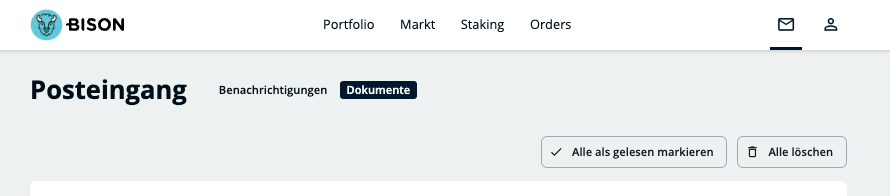
Your statement can be accessed in the BISON app under “Account” and “Reports”. The statement for the respective month will then be conveniently sent to your BISON postbox (notifications) as a PDF, where you can download it.
Understanding your fiat account statement
To help you assign your transactions, you will find standardised booking texts on the statement:
CRYPTO_EXCHANGE: This entry marks a transaction related to cryptocurrencies (purchase or sale).
SECURITY_SALE / SECURITY_BUY: These bookings indicate trading with securities (stocks or ETFs).
Your name (SEPA_CREDIT_TRANSFER / SEPAInstant CreditTransfer): If you see your own name as the booking text, this refers to regular SEPA deposits into your BISON account or euro withdrawals from BISON to your private bank account.
Partner banks: Why have I received two statements?
Depending on your setup and your activity, it may happen that you find two separate statements for the same month in your postbox – one from Solaris and one from Deutsche Bank.
This is due to the way deposits are processed with us: If your regular settlement account is with Deutsche Bank (where you, for example, send your normal SEPA transfers), but you have also made a instant deposit (such as real-time transfer, credit card or Apple/Google Pay) in that month, this is handled for technical reasons via our partner Solaris. In this case, you will receive a separate statement for each bank where transactions took place that month.