How do I register for BISON?
To use BISON, you need the BISON app (available for Android and iOS) on your smartphone. Alternatively, you can also use BISON on the web.
How do I use BISON?
- Download the BISON app to your smartphone or use it via the homepage
- Register an account
- Verify the account
- Transfer money
- Buy and sell cryptocurrencies and securities
▶ Requirements for account creation
- Minimum age 18 years
- No account for third parties allowed according to the Terms and Conditions – no joint accounts possible, no power of attorney
- No creation of multiple accounts (see Terms and Conditions)
- Only private use – no account creation for legal entities (e.g. companies)
- No tax liability in the USA
- Provide your tax ID (if you have multiple tax residencies, all tax IDs must be entered)
- Residence in the EEA or Switzerland
- Approved nationalities
Minimum age 18 years: Can I open a BISON account for my minor children?
To open a BISON account, you must be at least 18 years old. Opening a BISON account for a third person is not allowed.
▶ Additional requirements for securities trading
- Exclusive residence in Germany
- German nationality
- Exclusively German tax ID
- German mobile phone number
- Fulfilment of all the requirements mentioned is mandatory for access to the securities offering
-
Attention: Activation for securities trading is only possible once
After account deletion and re-verification for BISON, no renewed activation for the securities offering is possible
For full account activation, complete the verification after registration so that you can use BISON to its full extent.
Can I open a BISON account as a legal entity?
According to our Terms and Conditions, only natural persons can open a BISON account. Further information can be found here: https://bisonapp.com/dokumente/agb/
Instructions: Registration (with promotional code)
▶ Steps for registration
- Download the BISON app from your app store
-
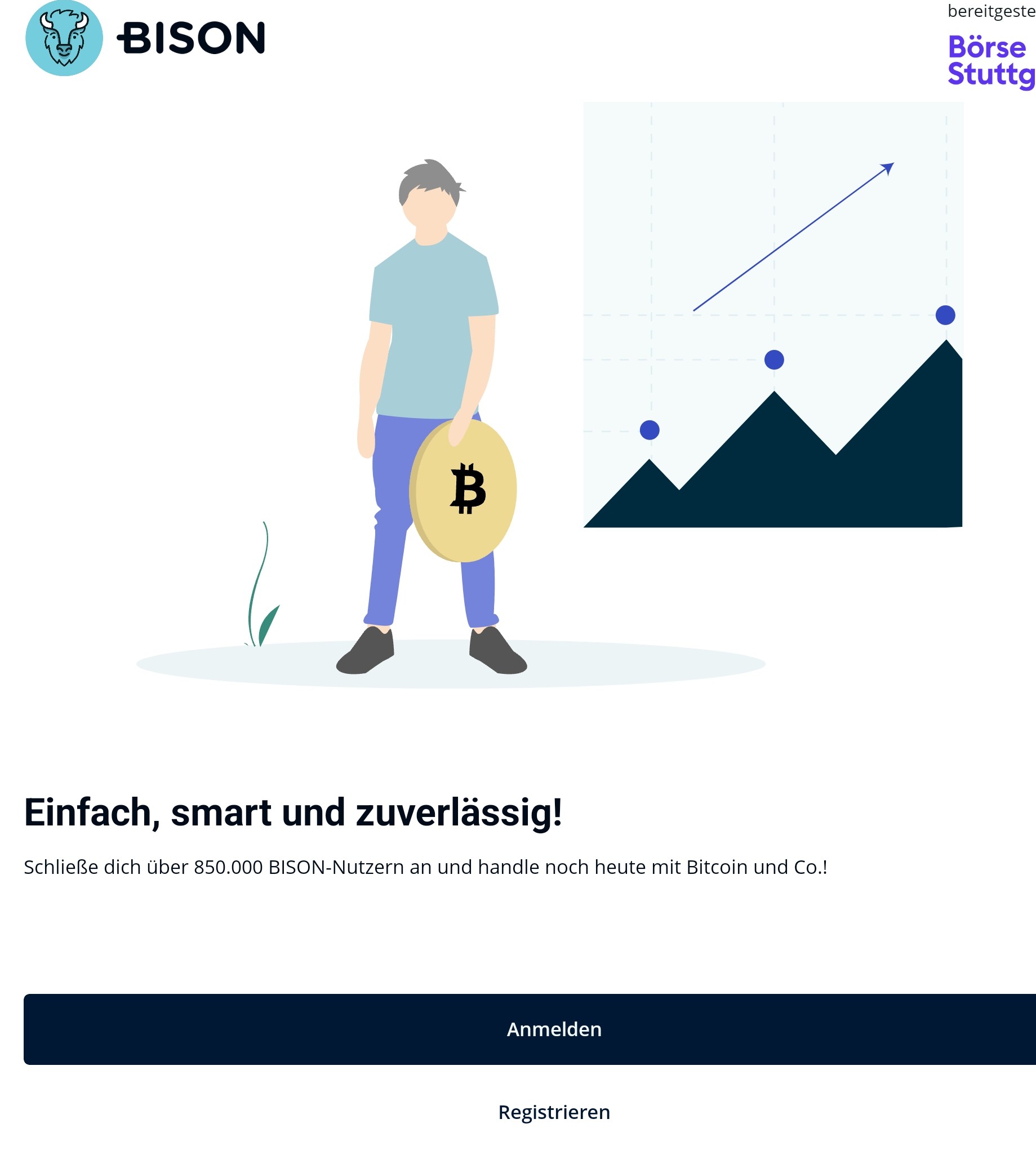
Click on "Register"
-
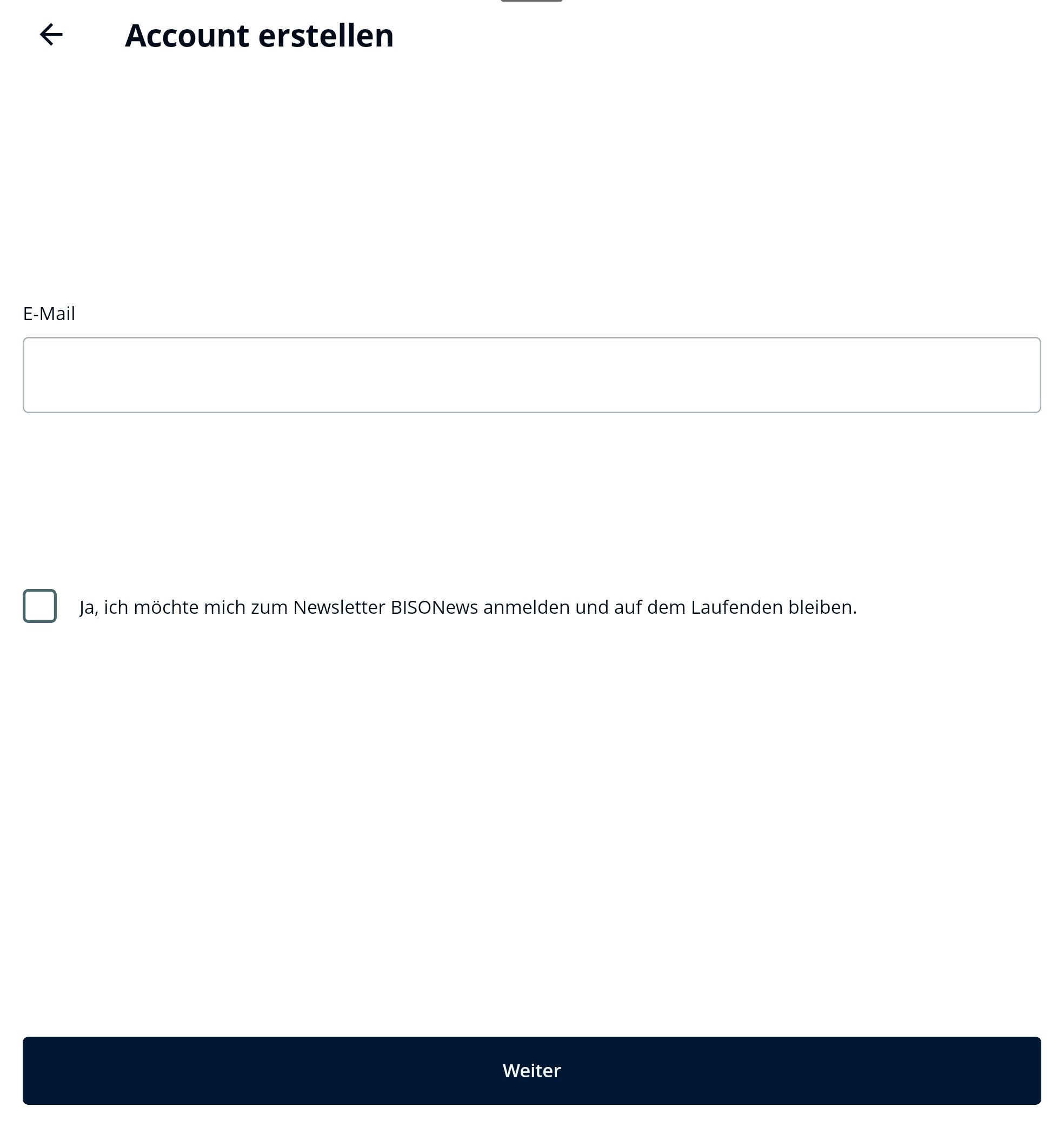
Enter a valid email address
-
Set a password (12 characters; at least 1 special character)
Do you have a promotional code or a refer-a-friend code? Then please make sure to enter it under "Invite friends code". This field is located below the password field.
In BISON Web this field is called "Your referral code"
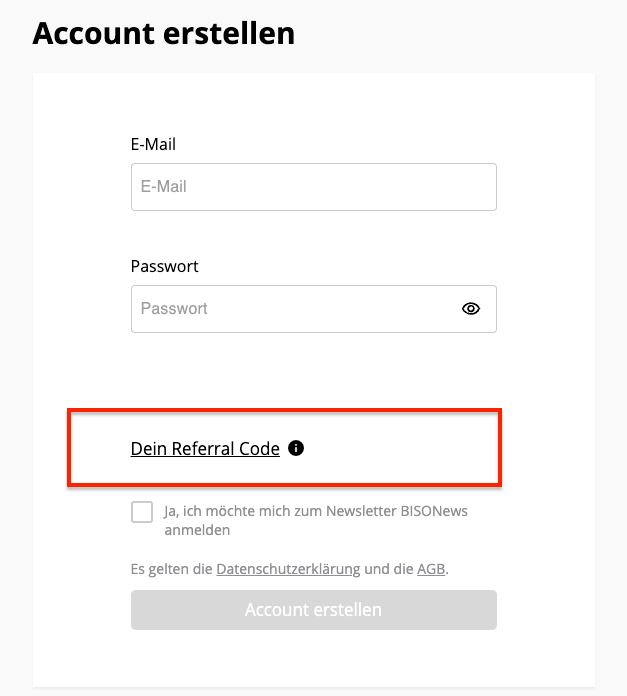
- Click on "Create account"
-
Check your email inbox and confirm your email address
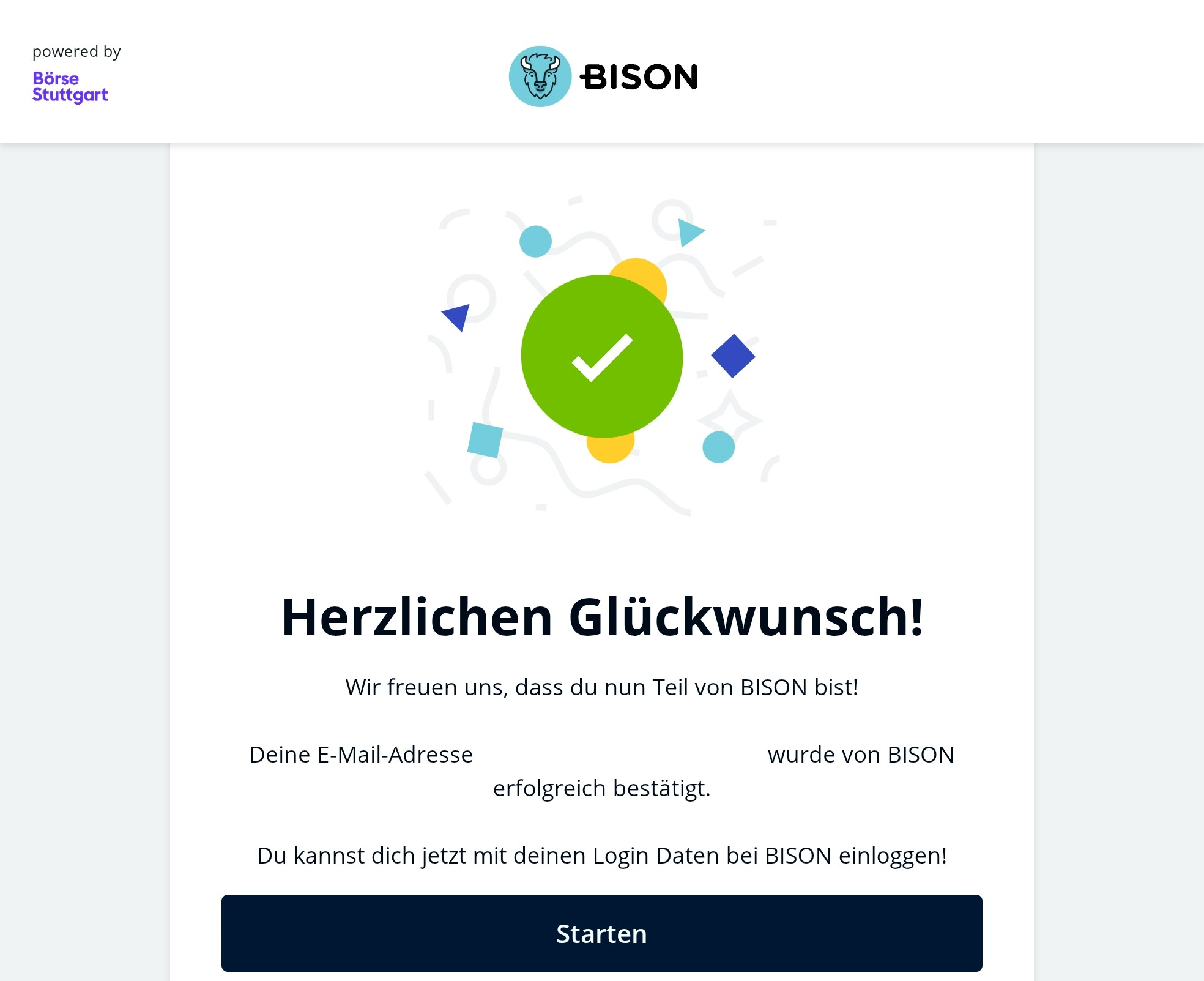
- Log in to the BISON app with your email address and password
Start verification in the BISON app
▶ Steps for verification
You can start the verification directly in the BISON app. In the portfolio overview, you will find a button labelled "Verify now".
For the verification, you need the following
-
German identity card with current address
-
Or passport/foreign identity card + proof of residence (e.g. electricity bill), not older than 6 months
-
Video verification: camera and microphone
-
eID: activated online function of your German identity card
- Verification with a foreign identity document is possible for cryptocurrency trading (Supported identity documents)
Continue to verification of your new BISON account
Problems or questions?
If you have problems with the video verification, please contact us via the contact form.
If you have problems with eID, please use the following contact form.