How can I verify myself for BISON? What do I need to consider?
To start buying and selling cryptocurrencies and securities, you must verify your BISON account. You can start the verification directly in the BISON app or on the web.
▶ Verification options
-
Video identification (daily from 08:00 to 24:00, including weekends)
-
eID (available around the clock)
▶ What do I need for verification?
-
German identity card with current address or
-
Passport/foreign identity card + proof of residence (e.g. electricity bill), not older than 6 months
-
Video verification: camera and microphone
-
eID: activated online function of your German identity card and PIN
- Verification with foreign identity documents is possible for cryptocurrency trading (Supported identity documents)
Verification usually takes a few minutes, and the account is typically activated within 24 hours.
▶ Special feature: Verification for securities trading
- After successful verification, additional verification for securities trading must be started
- Verification is only possible with a German identity card
Entering your tax ID – What you need to know
Providing your tax identification number (tax ID) is mandatory for using BISON. This is necessary to comply with regulatory requirements.
Providing during verification
You must provide all your tax IDs during your registration and verification process. If you are tax resident in multiple countries, please ensure that you enter all relevant IDs.
▶ Adding tax IDs afterwards
If you are already verified and want to add further tax IDs due to new tax residencies, you can do this yourself at any time:
- Go to the "Account" section in the app.
- Select the "Tax information" option.
- Here you can add more IDs or update your information.
▶ Important note on securities trading
Please note an important restriction for trading stocks and ETFs: Activation for securities trading is currently only possible if you have exclusively a German tax ID and are not taxable in any other country.
Guide: Video verification
▶ Step-by-step guide: Verification via video verification
- Start verification in the BISON app
-
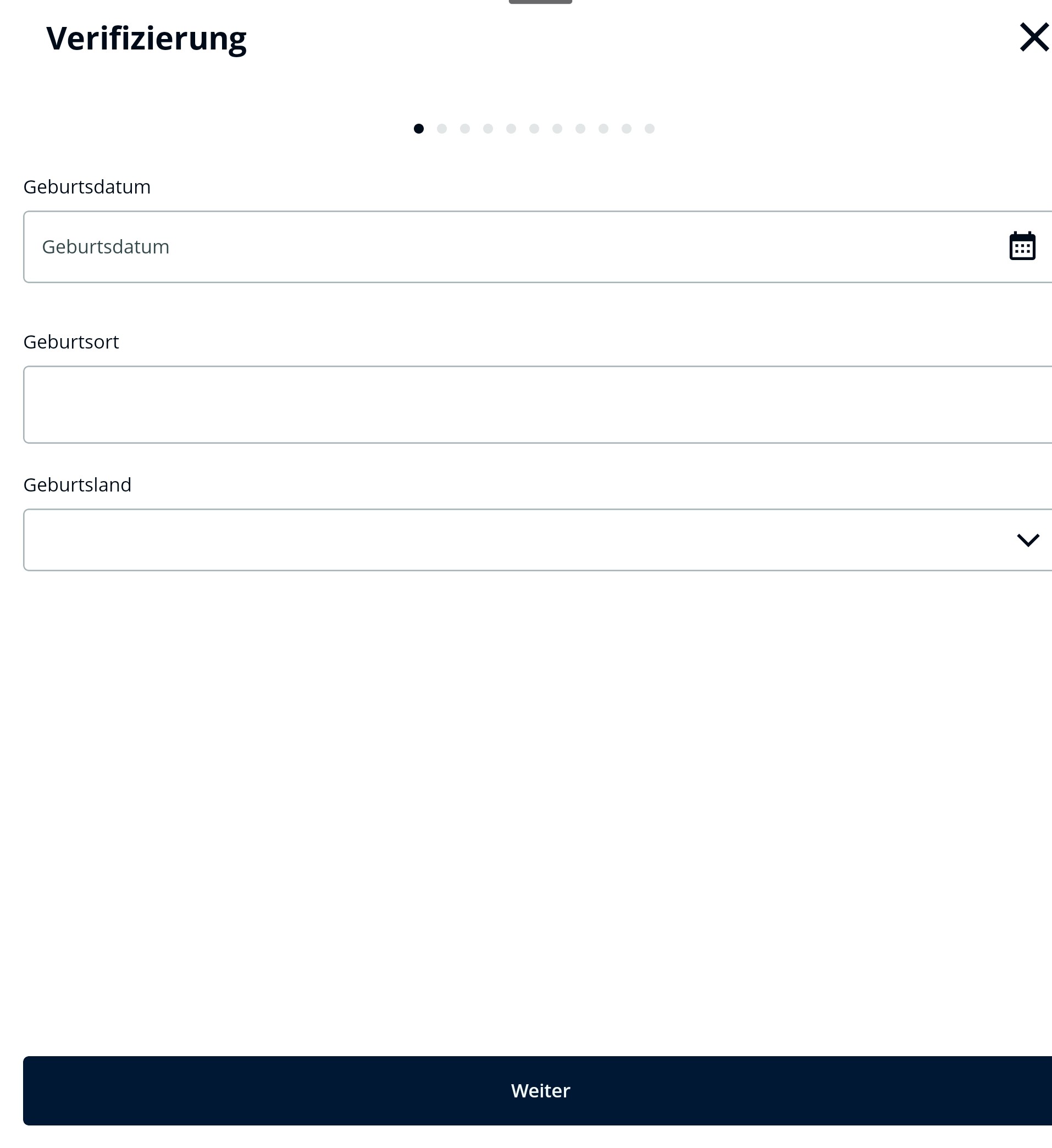
Enter your date of birth, place of birth, and country of birth
-
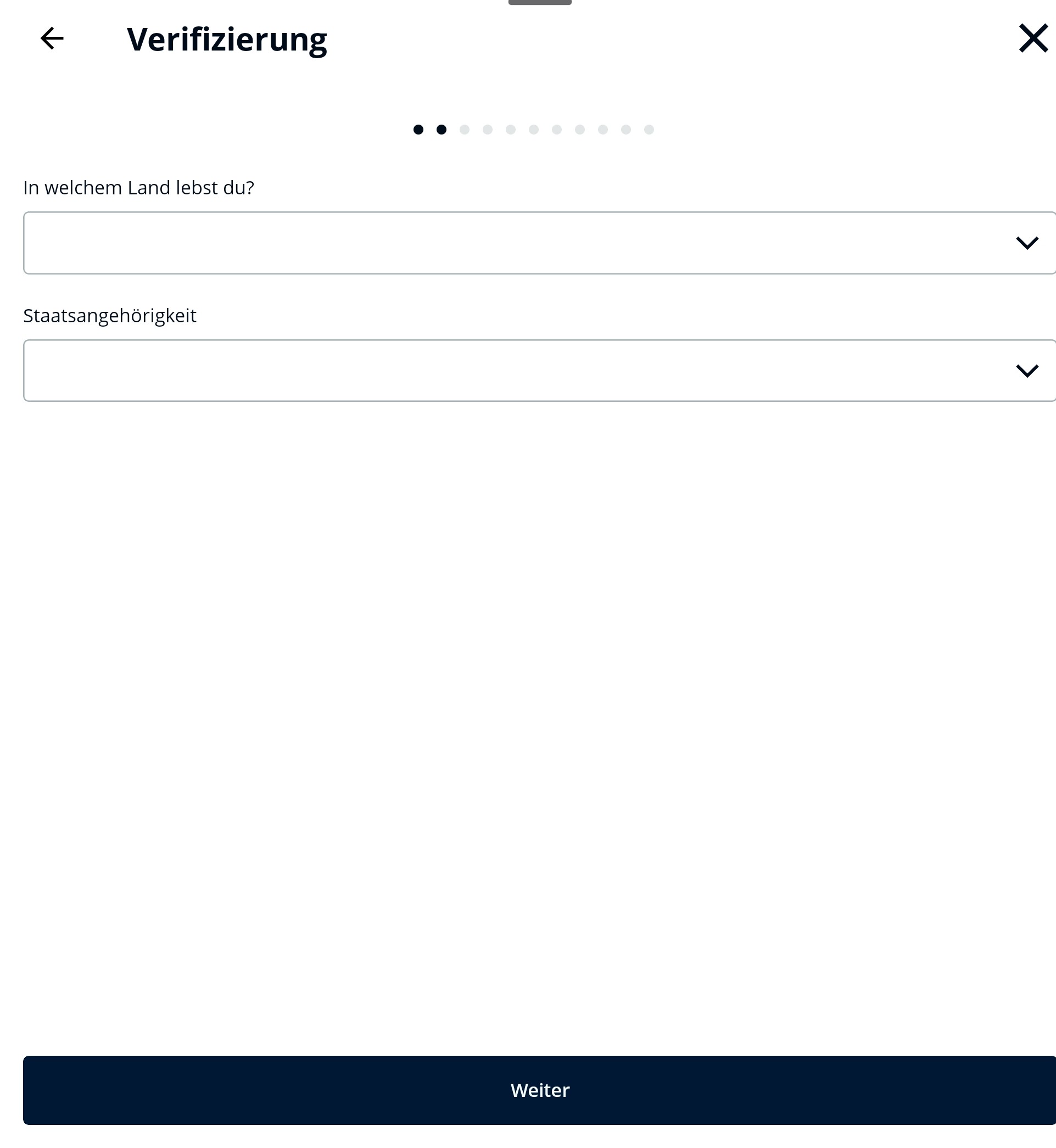
Enter your country of residence and nationality
-
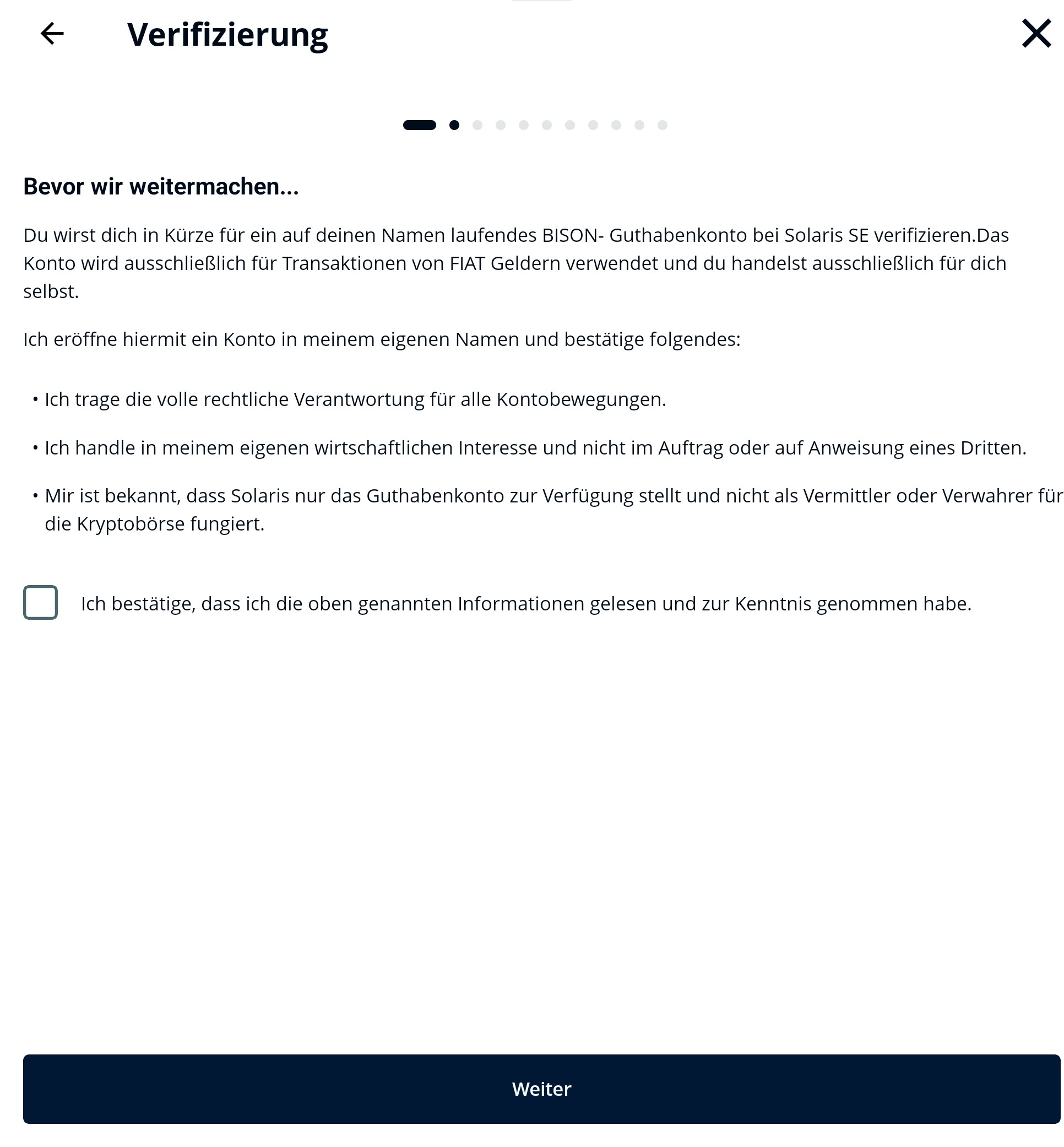
Accept the notices
-
Enter your tax ID and tax residency
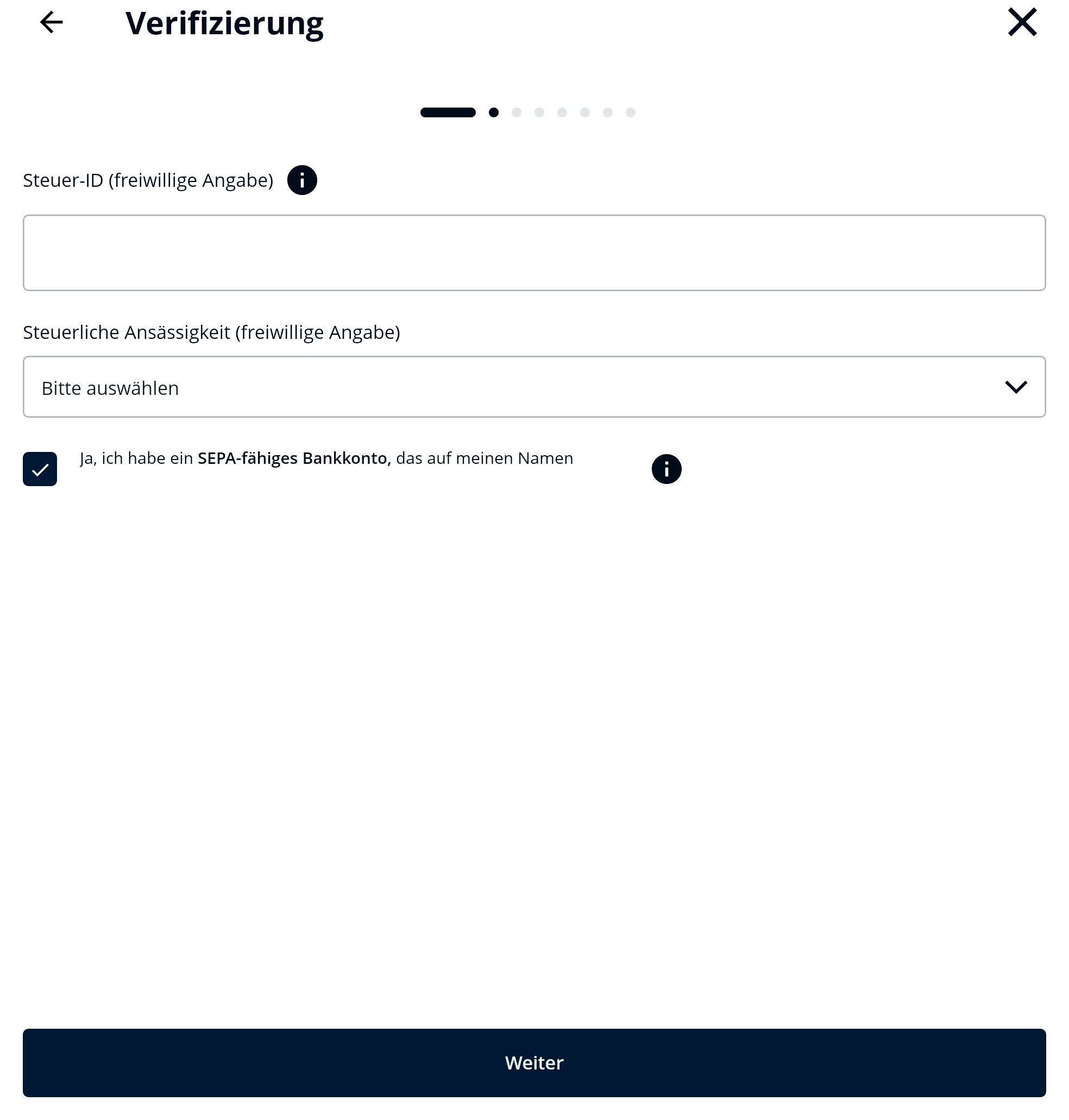
Please ensure that you enter all your tax residencies along with tax IDs here.
Confirm that you have a SEPA-capable bank account in your name
-
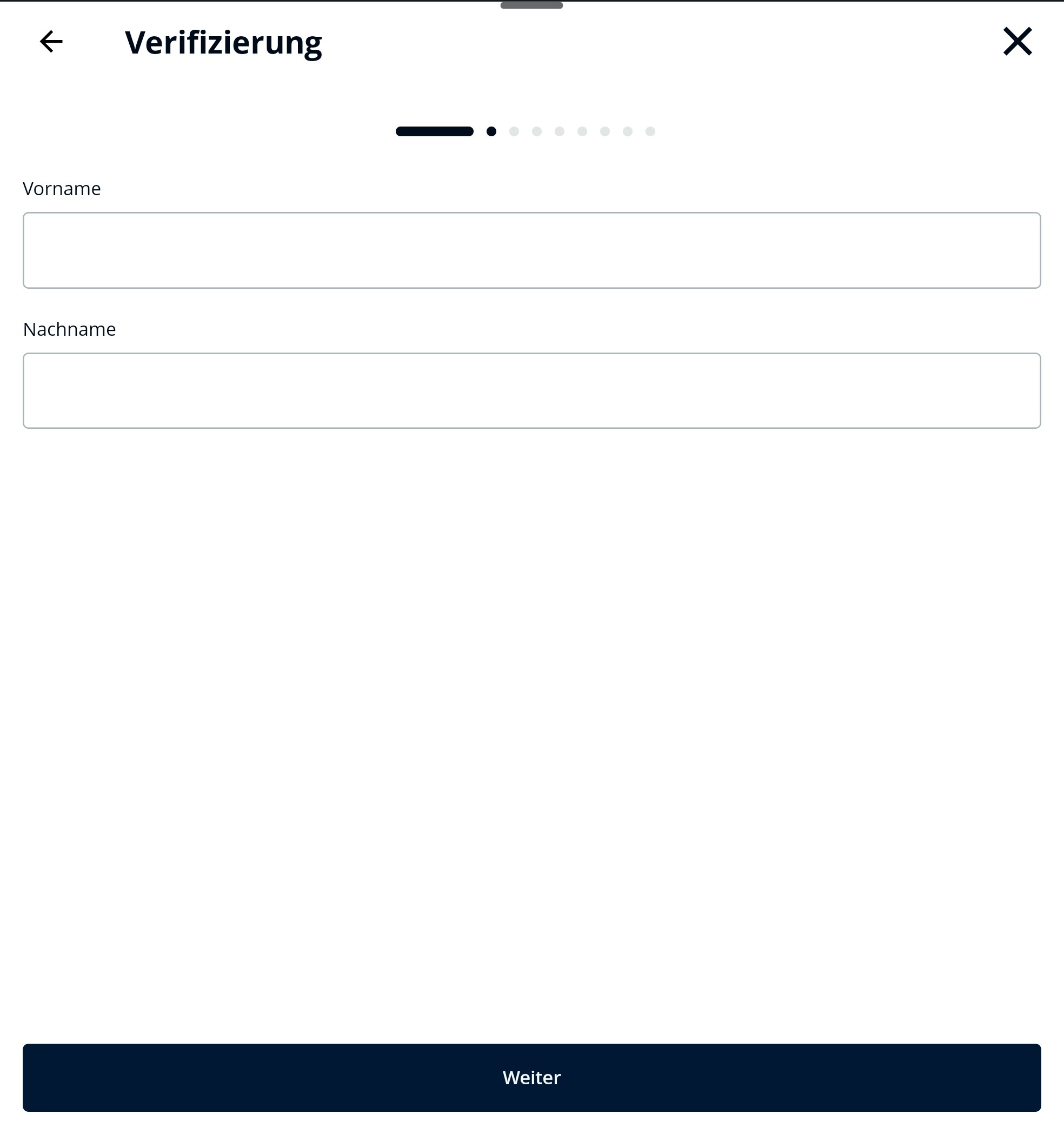
Enter your first and last name (as in the identity document)
-
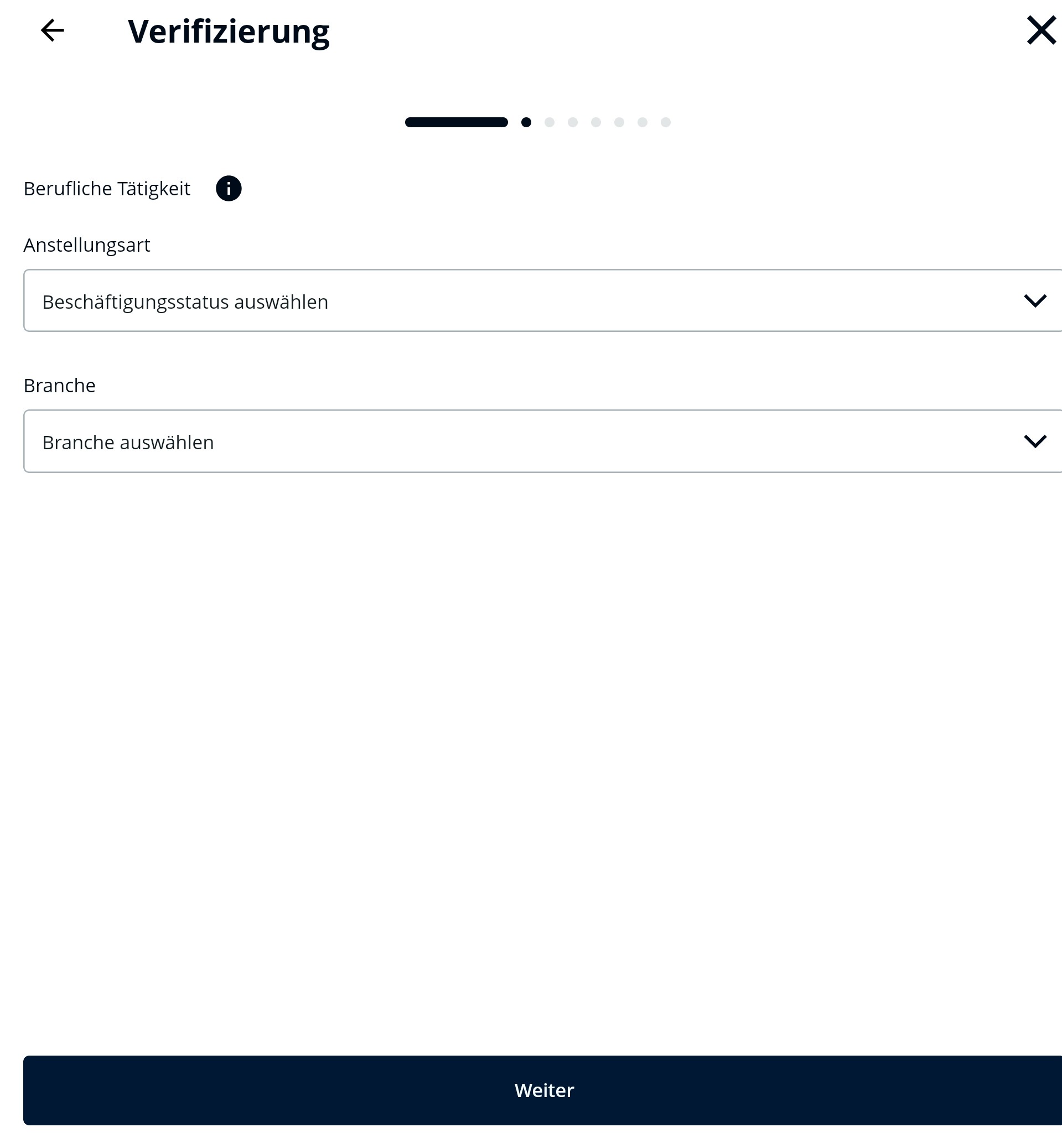
Details about your professional activity
-
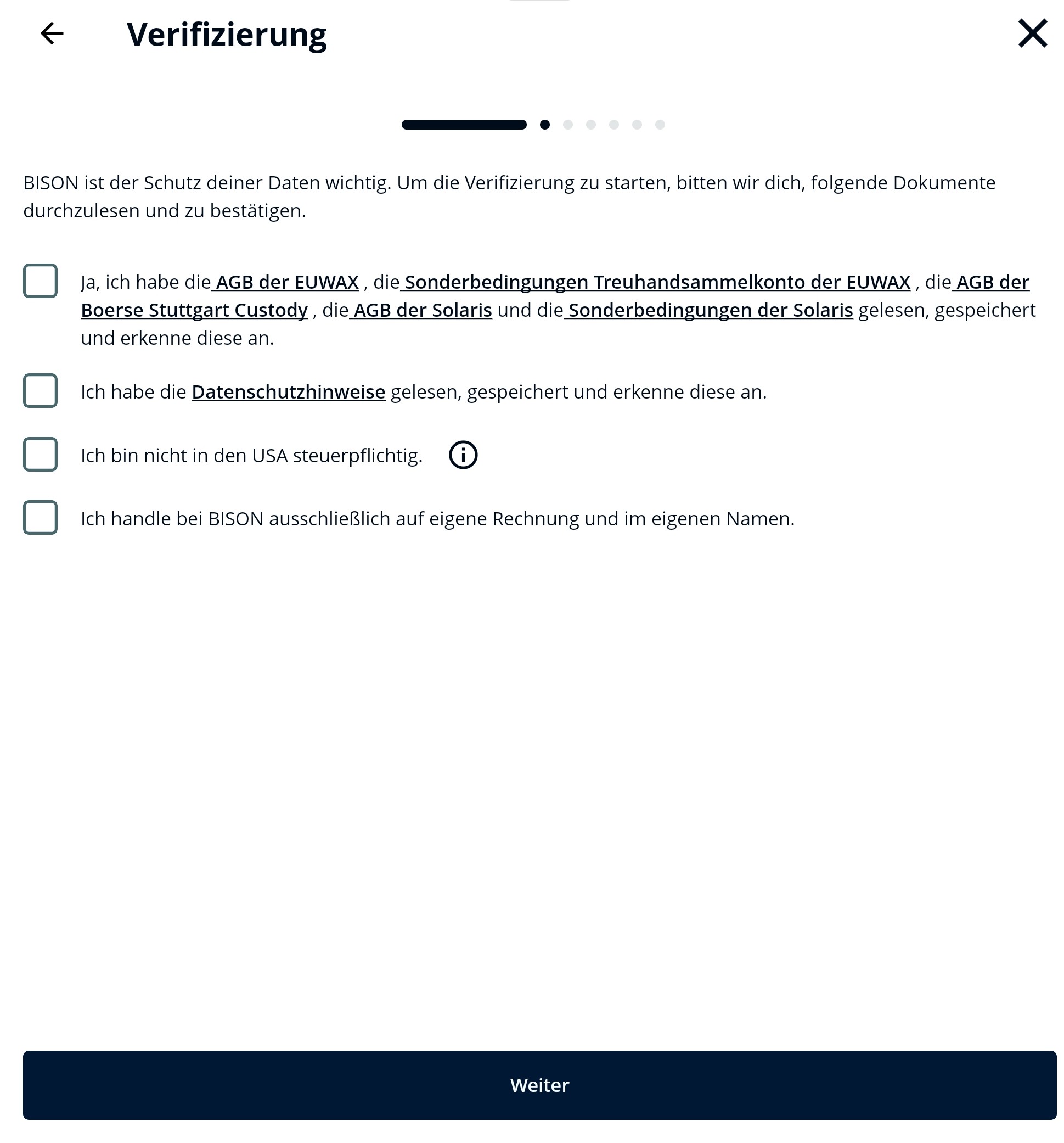
Confirm the notices
-
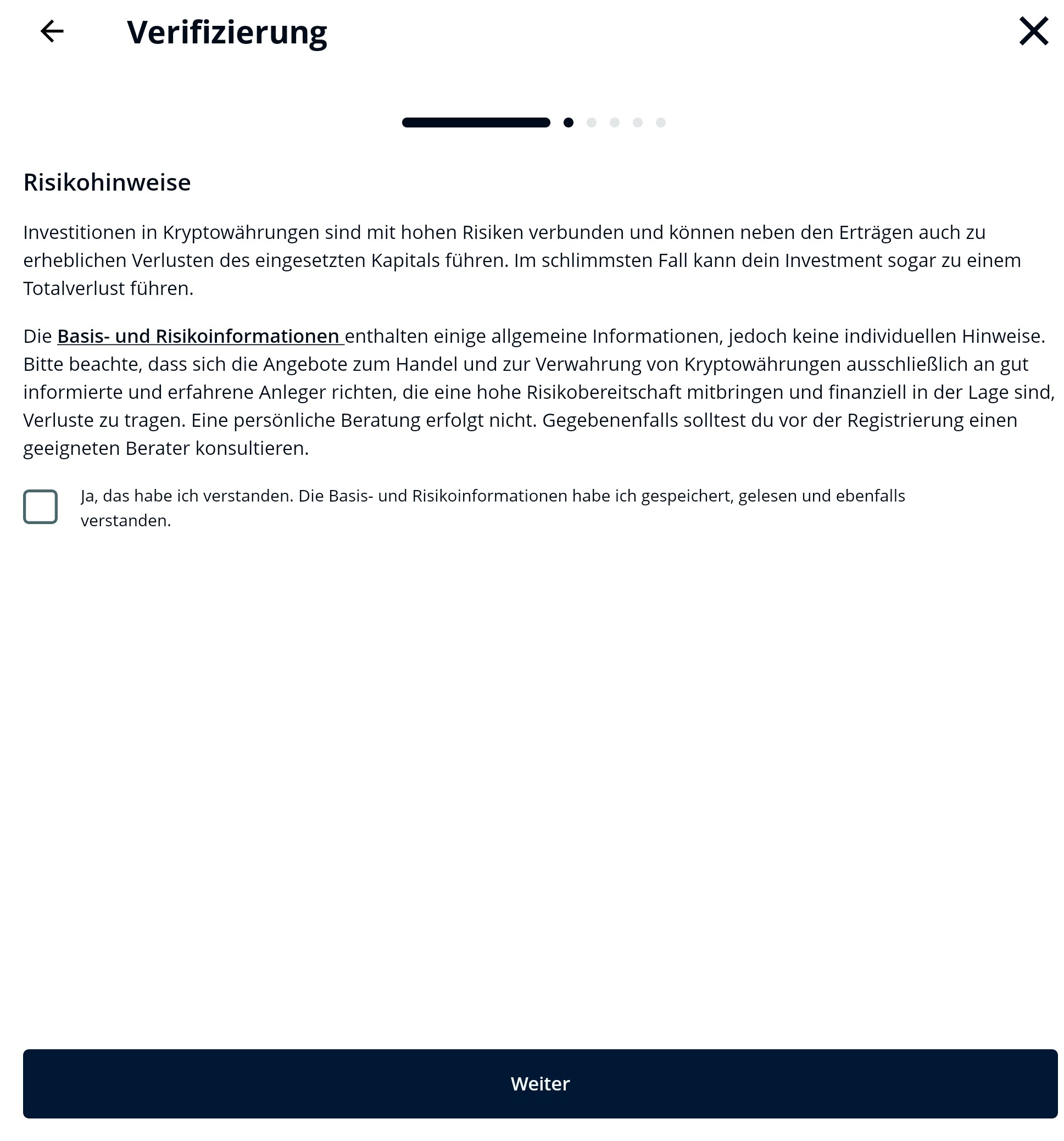
Confirm the risk notice
-
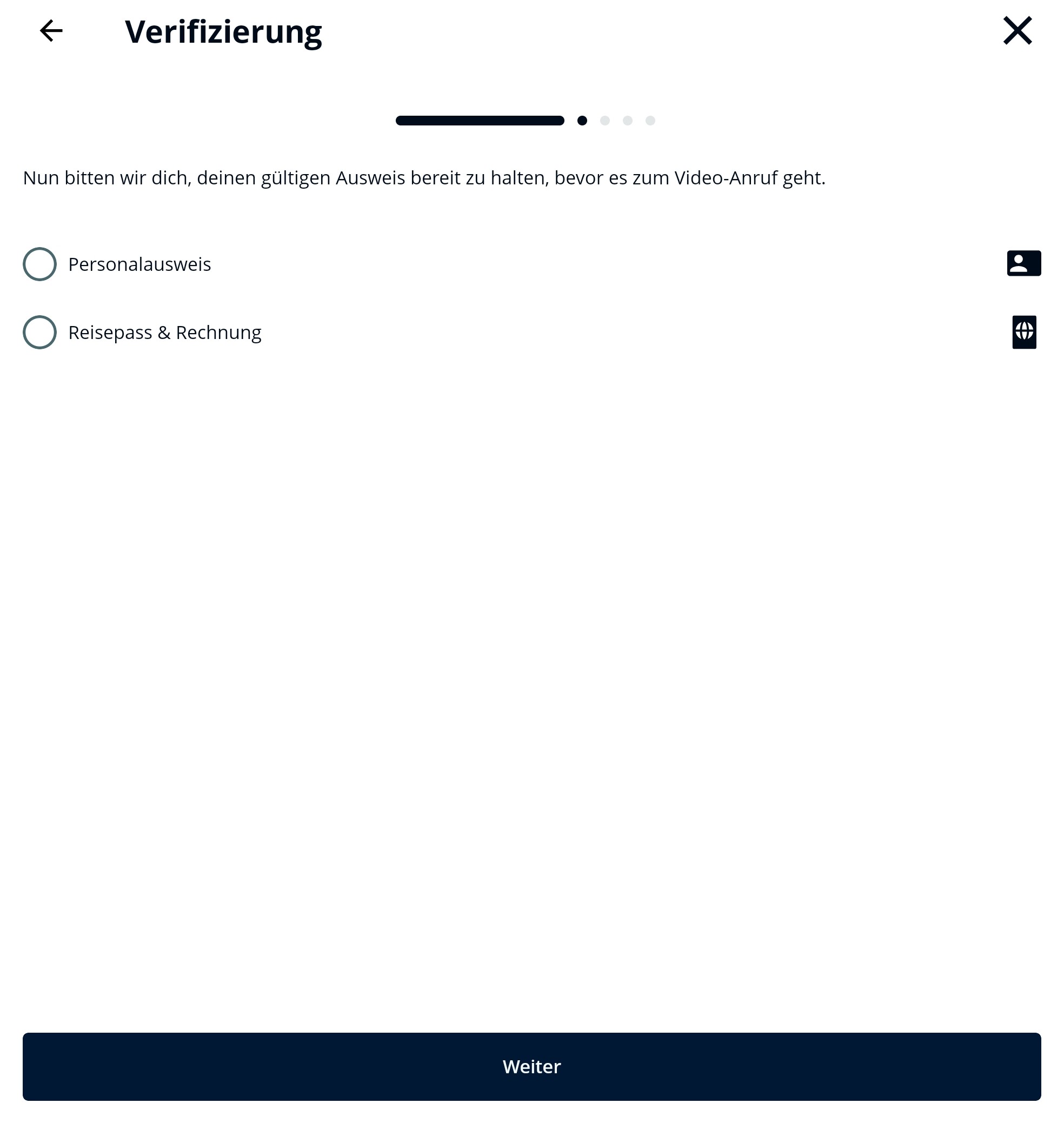
Choose which identity document you want to verify with
-
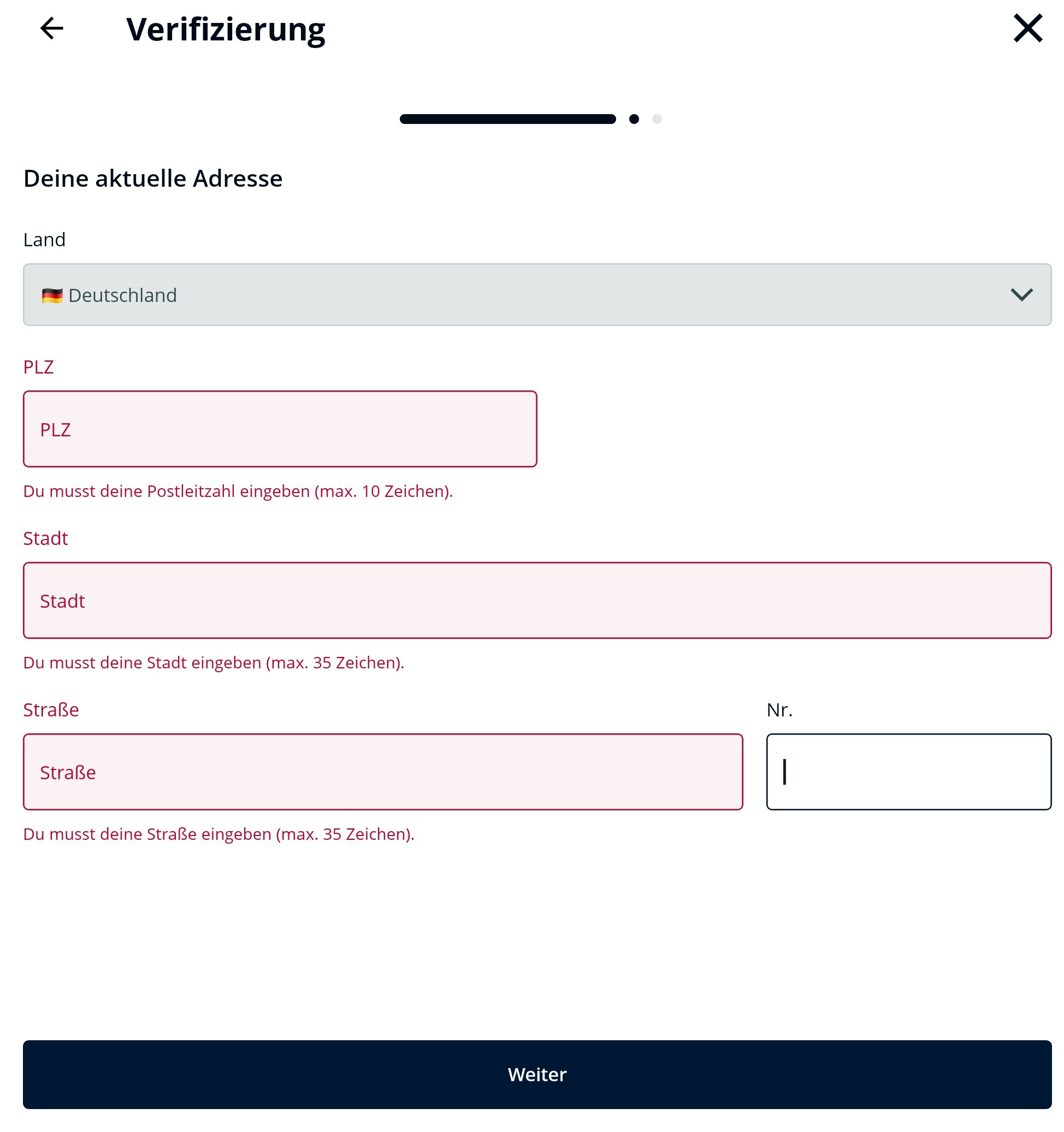
Identity card: Enter your address details
-
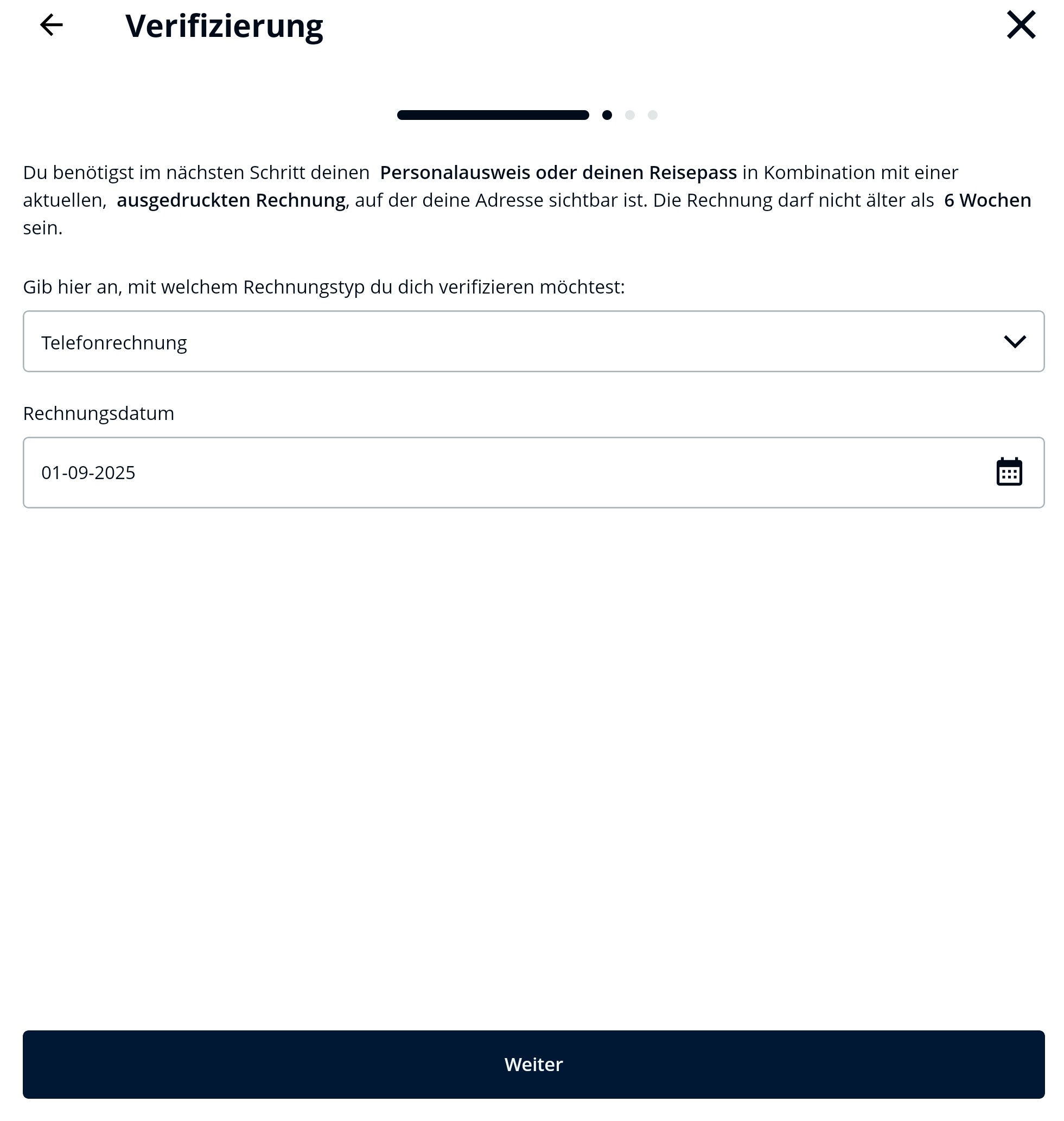
Passport: Enter details of your proof of address and your address details
-
Confirm the notice about device usage
-
You will now be redirected to IDnow - select "Video identification"
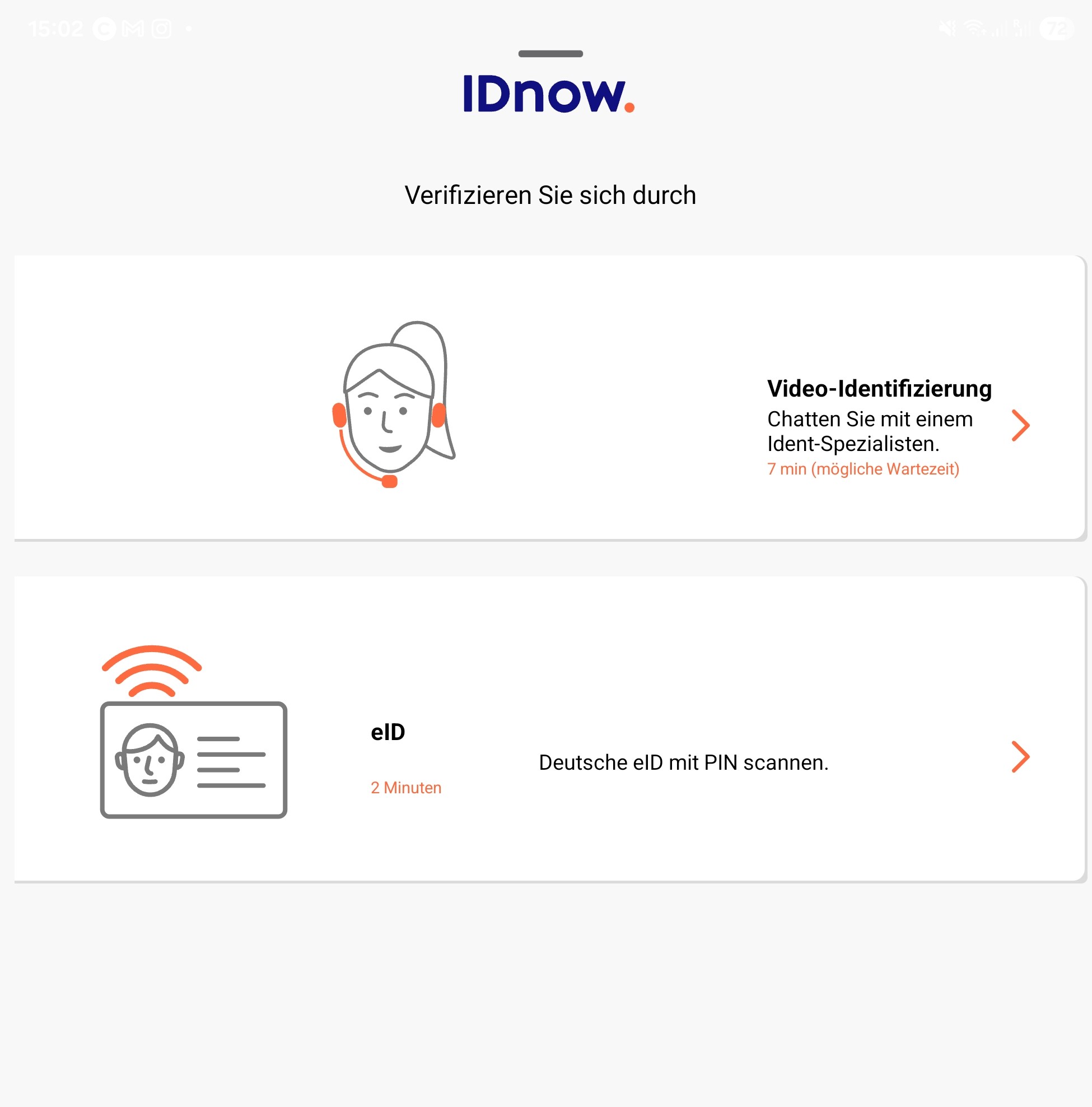
- You will be connected to an IDnow employee
Please ensure that you grant your camera and microphone access to the BISON app. Make sure you have a stable internet connection and complete the verification independently.
Verification via eID
If you start verification and select your German identity card as the identity document, you can also use the eID function for verification. Please note that eID is currently only available via the BISON app. Additionally, your residence must be in Germany.
▶ Advantages and requirements for eID
Advantages of eID
- Verification within a few minutes
- Electronic identification is just as secure as video identification because the verification takes place over encrypted channels.
-
Requirements for using eID
- German (electronic) identity card (all issued from 2017 onwards)
- Activated online function including PIN
- Smartphone with NFC interface
- More information on the online identity card function
▶ Step-by-step guide: Verification via eID
-
Start the verification as previously described and select "Identity card" at step 10
-
Enter your address details
- Confirm the notice about device usage
-
You will now be redirected to IDnow - select "eID"
-
Choose the type of your identity card PIN (usually 6 digits) and confirm the terms of use
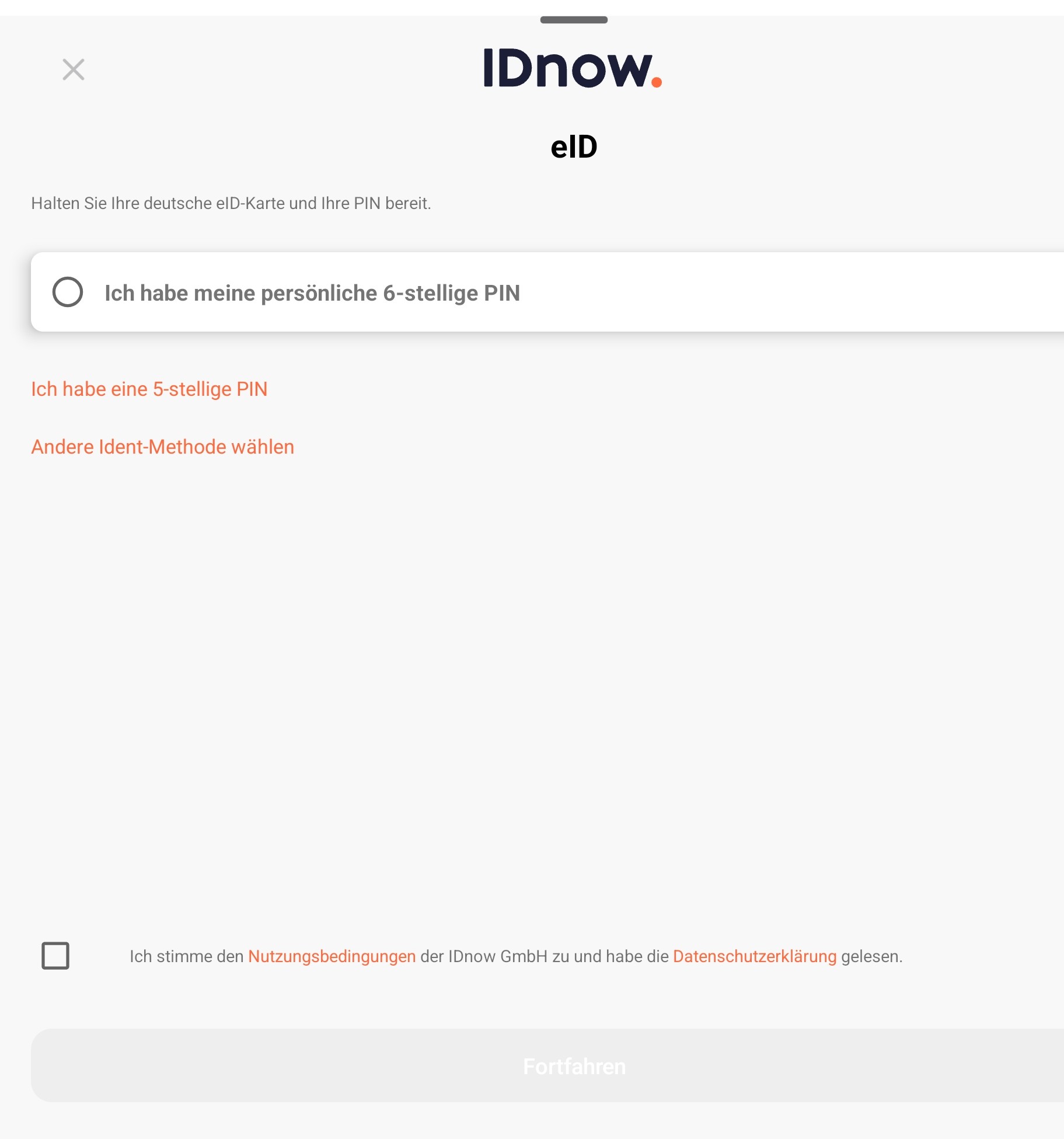
You receive the PIN when applying for your identity card and activating the online function. More information about the PIN can be found in the identity card portal.
-
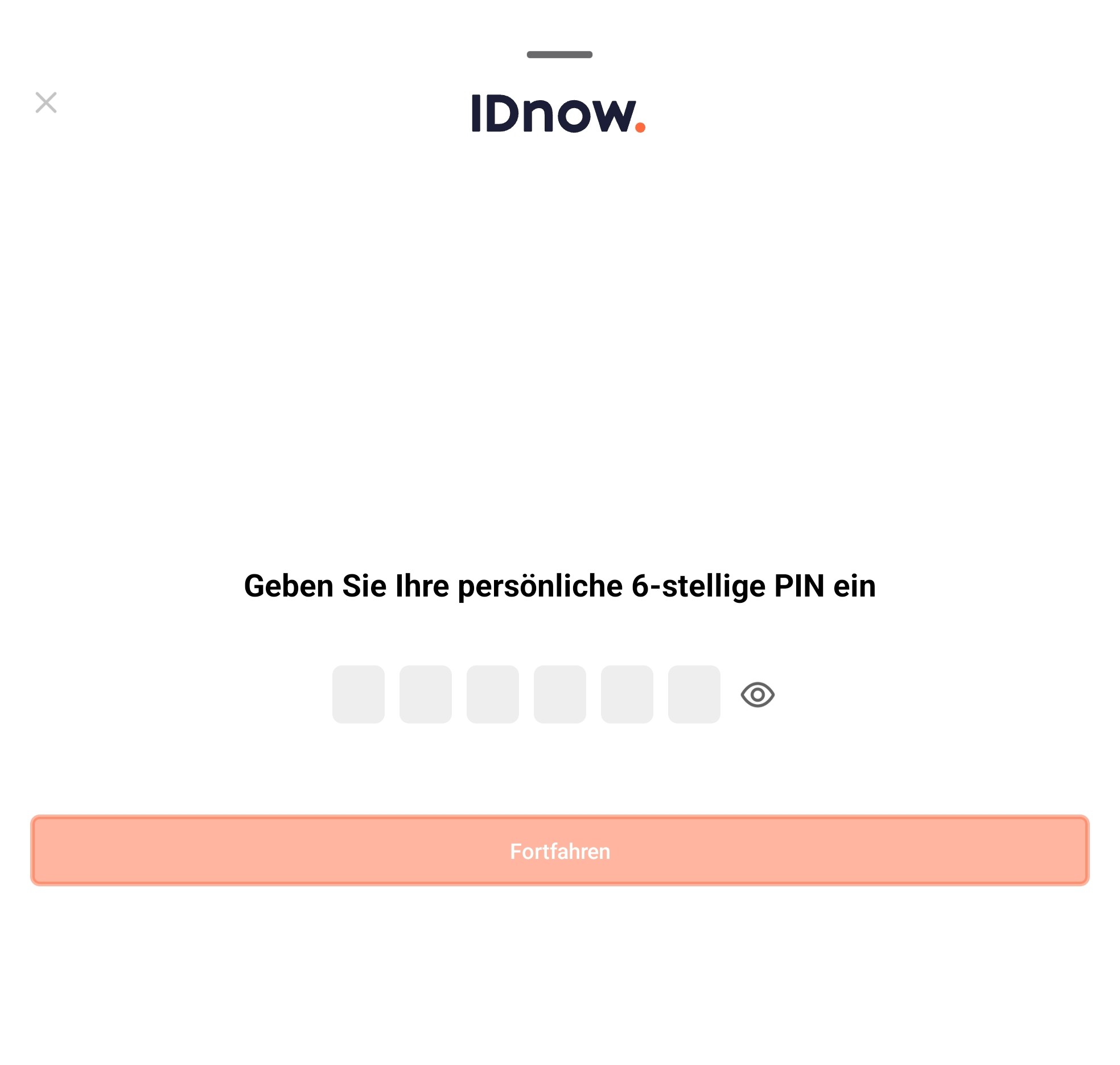
Enter the PIN of your identity card
-
Scan your identity card with your phone
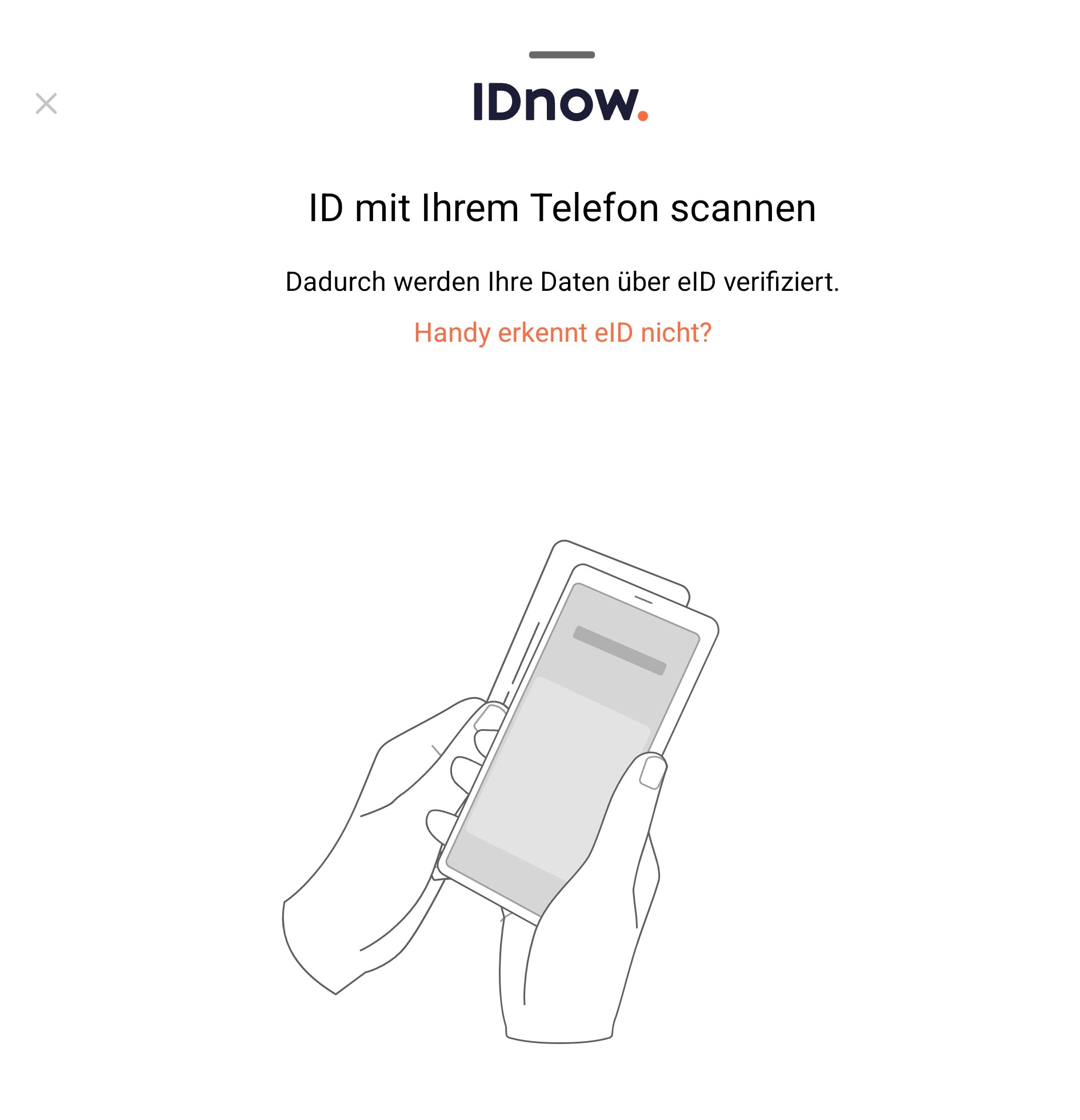
- Your data will now be matched
- You will receive a message once the verification has been successfully completed
Problems or questions?
If you have problems with the video verification, you will find a solution approach under "I have problems with the video ident from IDnow" or feel free to contact us via the contact form.
If you have problems with eID, please use the following contact form.