Have your details changed? In the BISON app, you can easily update most of your information yourself. This way, your profile is always up to date.
Change Settings Data Directly in the Profile
You can independently adjust the following information in your profile:
Email address
Residential address (For securities customers, only a German address is possible)
Password
Tax IDs (multiple are also possible)
|
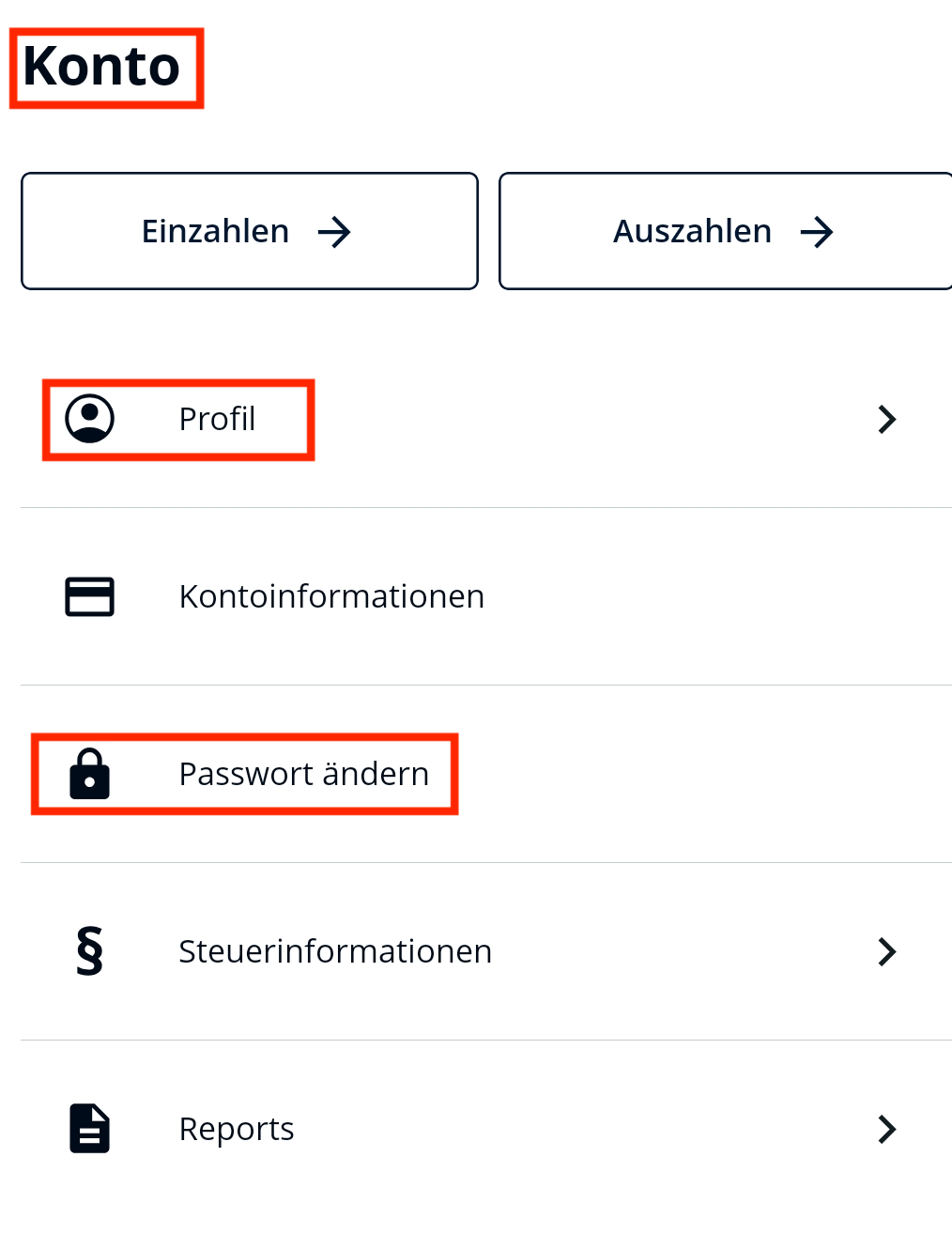
Step 1 Open Profile
Open the BISON app and navigate to "Account" ➞ "Profile".
Step 2 Edit Data
Select the field you want to change and follow the on-screen instructions.
Step 3 Confirm Change
For security reasons, you often confirm critical changes (such as email or password) via a 2FA code, which we send to you by SMS.
|
|
Update Mobile Number
Changing your phone number is a sensitive process because it is used for your two-factor authentication (2FA).
You have access to your old number: In the app, go to "Account" ➞ "Profile" ➞ "Mobile number". You will receive a code on your old number to verify the new one.
For securities customers: Only German phone numbers are possible
You no longer have access: In this case, self-service is not possible. Please see our Login Help article on how we can manually change your number for you.
Change Reference Bank Account (IBAN)
Before you can add a new payout IBAN, a successful deposit from exactly this account to your BISON account must be made. Once the money has been received, the new IBAN will automatically be set as your future payout account.
You can then continue to manually switch between all deposit accounts:
- Go to the settings "Account" ➞ "Profile" ➞ "Linked Bank Account" and select an IBAN from the list of your existing successful deposit IBANs.
In BISON Web, you will find this option by clicking on the avatar and under "Personal Information".
- You can only choose one payout IBAN / bank account from which you have already successfully deposited Euros.
Important: You are the sole beneficial owner of the bank account. Please also note that the account holder of the account from which you want to make a deposit must exactly match the name you used to verify yourself for BISON.
Name Change (e.g., after marriage)
You cannot change your name yourself in the app. Since your BISON profile must exactly match your bank account, we require proof for this.
Please send us a message via our contact form and upload the corresponding certificate, passport, or both sides of your ID.